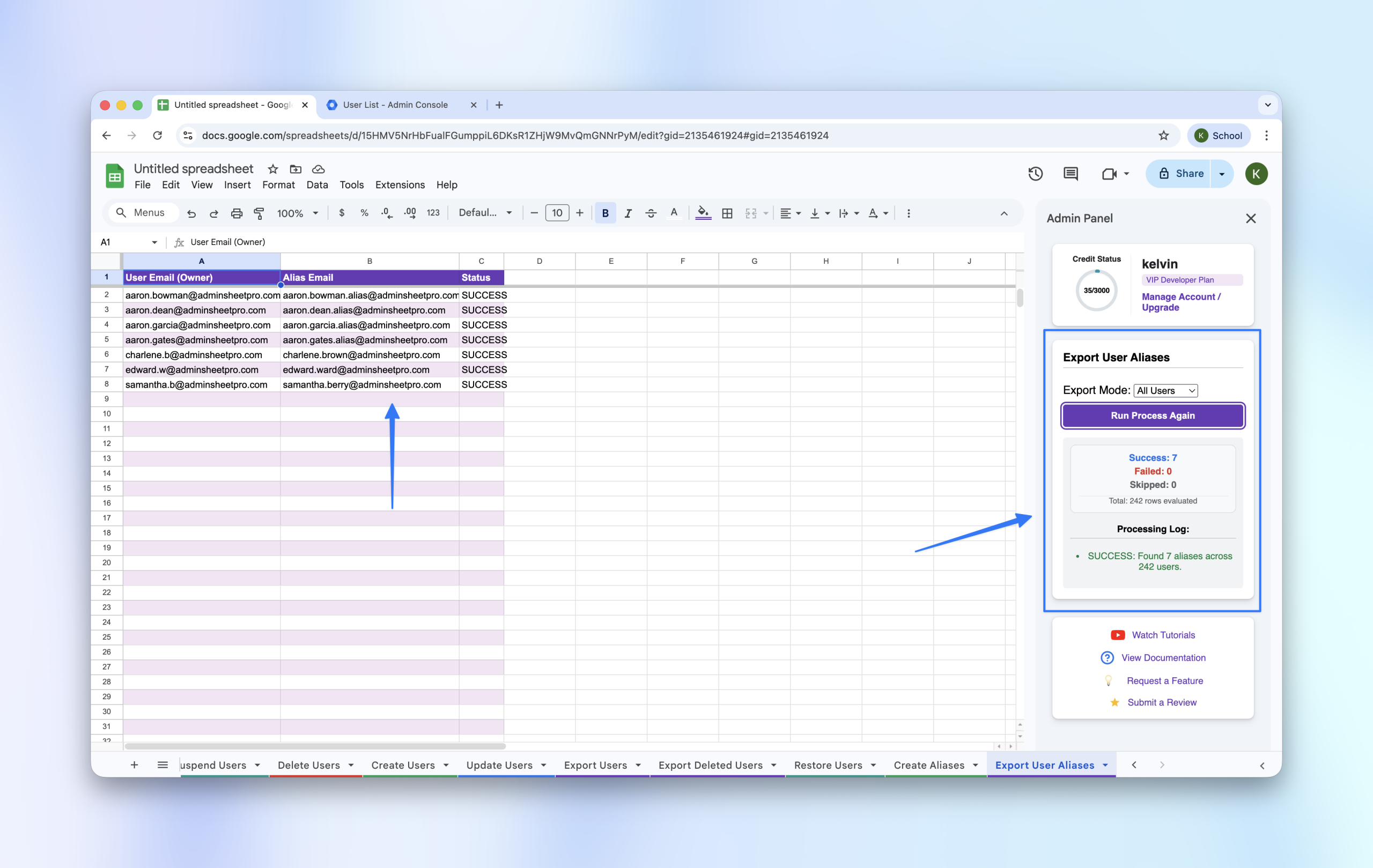
Auditing your domain’s email aliases is a critical part of directory management. AdminSheet Pro allows you to export all existing aliases into a single, organized spreadsheet for easy review.
Step 1: Open the Export Tool
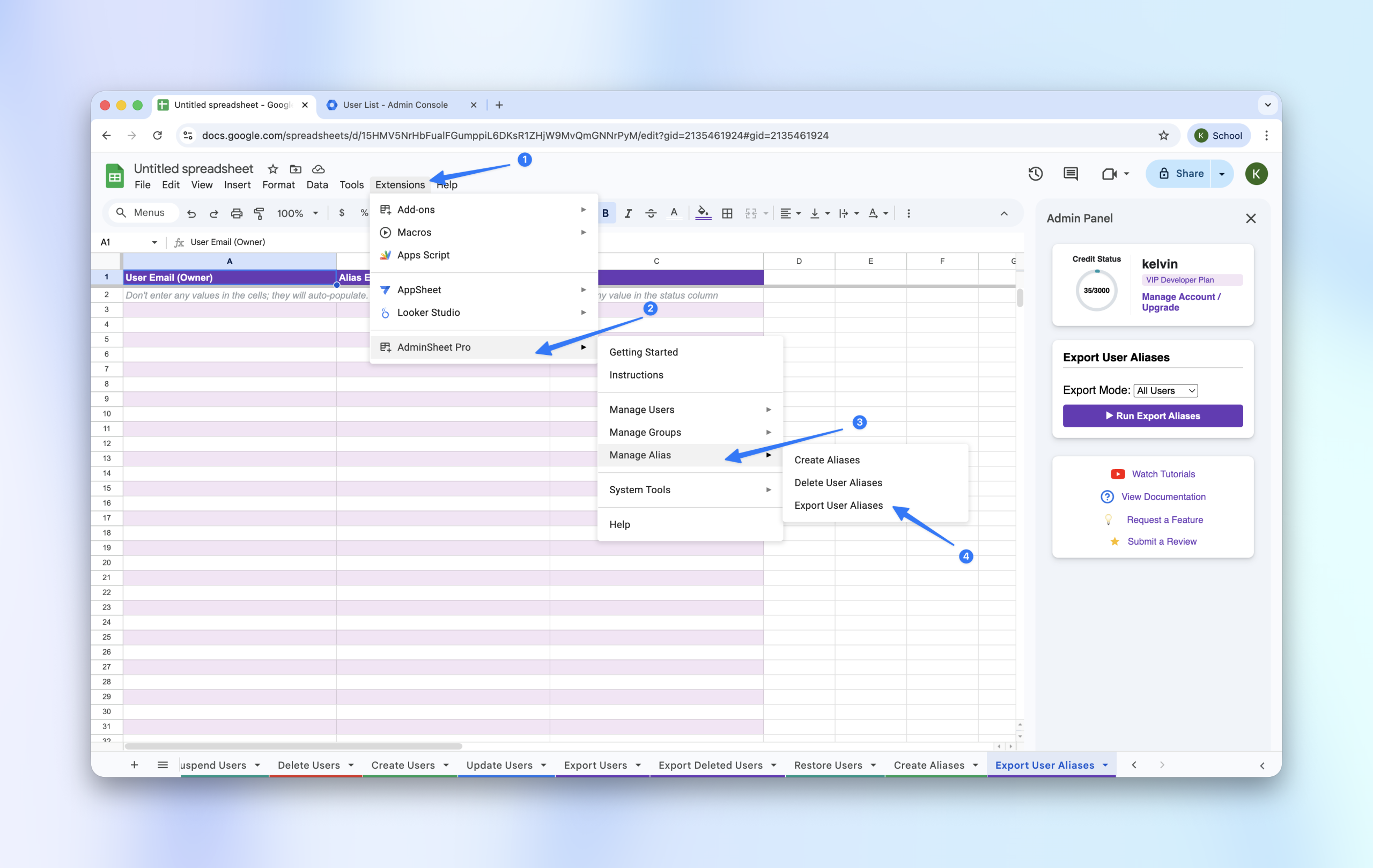
- Navigate to Extensions > AdminSheet Pro > Manage Aliases.
- Click on Export User Aliases.
Step 2: Choose Your Export Scope
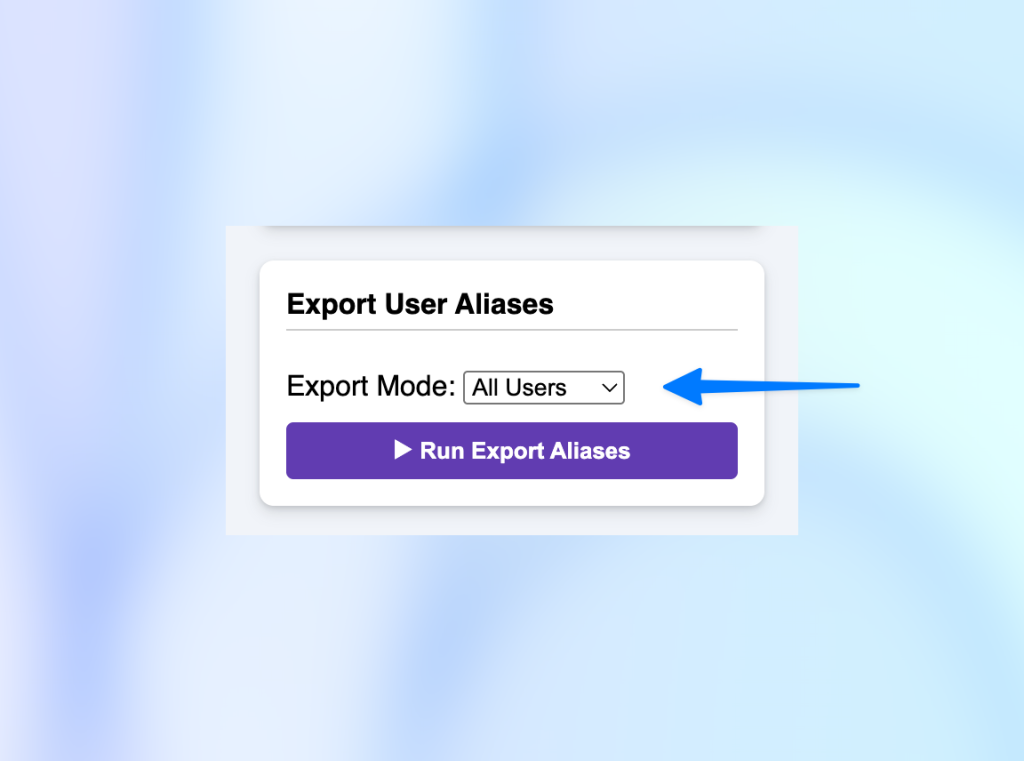
AdminSheet Pro gives you two ways to export data:
- Export for All Users: This will audit every single alias across your entire domain.
- Export for a Single User: If you only need to see aliases for one person, enter their primary email address in the sidebar.
Step 3: Run the Export
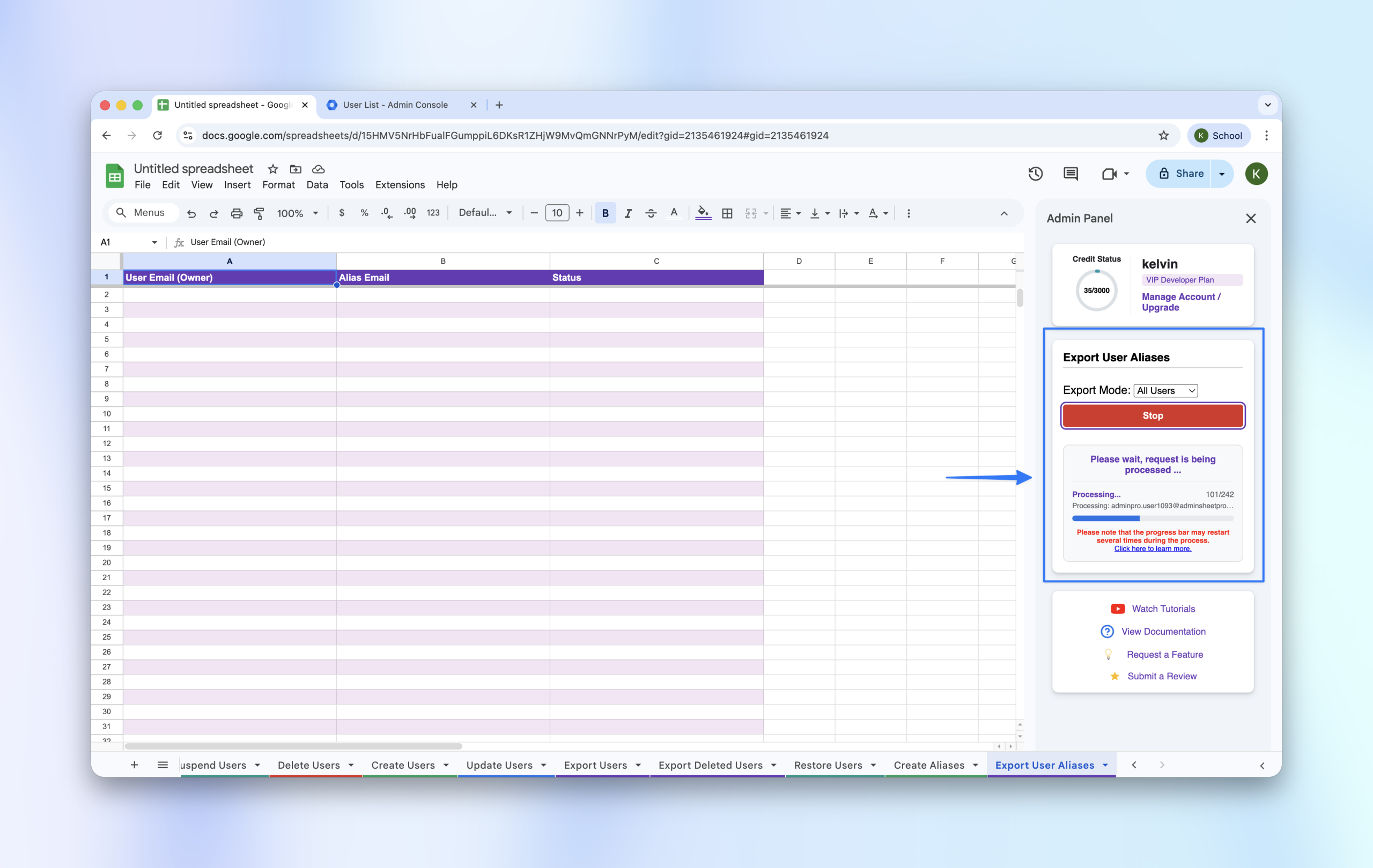
- Click the “Run Export User Aliases” button in the sidebar.
- The tool will begin populating the sheet with all discovered aliases.
Step 4: Reviewing the Data
The generated list will show you the primary owner and every alias associated with their account. This is the perfect starting point for cleaning up old or unnecessary addresses.